How to Integrate Shopify with a China Fulfillment Center
Admin
2026-01-08 14:21:07
Visits:589
How to Integrate Shopify with a China Fulfillment Center
Running a Shopify store and sourcing products from China?
Manually forwarding orders to suppliers?
Struggling with inventory accuracy or shipping visibility?
If that sounds familiar, you’re not alone.
Learning how to integrate Shopify with a China fulfillment center is one of the biggest turning points for scaling an ecommerce business.
When done right, it brings control, predictability, and breathing room.
When done wrong, it creates more chaos than it solves.
Let’s walk through it step by step.
No jargon overload.
No theory without action.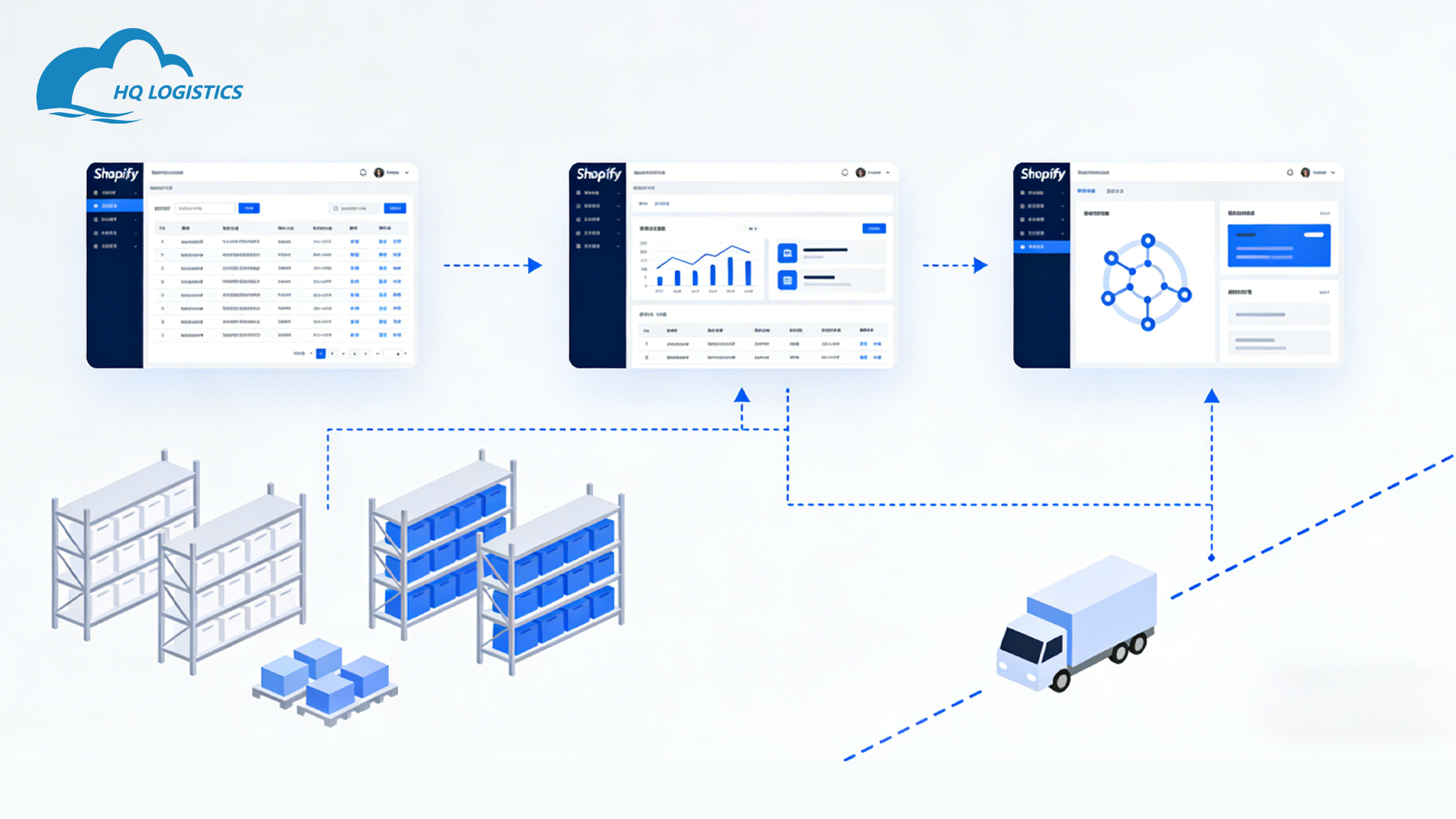
What Shopify–China Fulfillment Integration Really Means
At its core, integration means this:
Your Shopify store and your fulfillment center in China talk to each other automatically.
That includes:
-
Orders syncing in real time
-
Inventory levels updating automatically
-
Tracking numbers flowing back to Shopify
-
Fulfillment status updating without manual work
If you’re still exporting CSV files or sending daily emails,
you’re not integrated.
You’re patching holes.
Why Integration Matters More Than Ever
In 2026, speed isn’t the advantage.
Consistency is.
A proper integration helps you:
-
Reduce human errors
-
Prevent overselling
-
Improve delivery predictability
-
Scale without adding staff
Most importantly,
it lets you focus on growth instead of operations.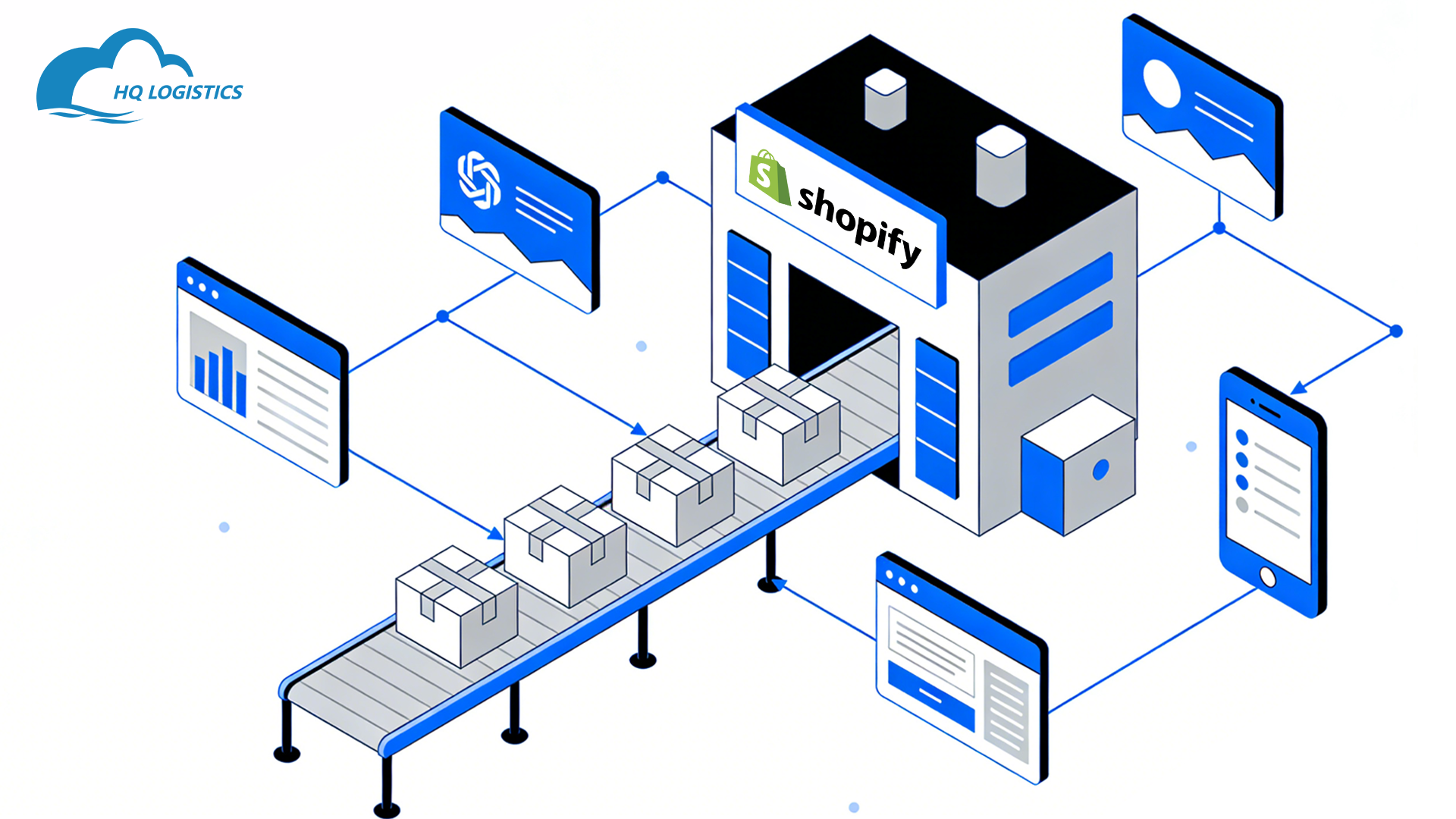
When You Should Integrate Shopify with a China Fulfillment Center
Not every store needs this on day one.
Integration makes sense if:
-
You ship 20+ orders per day
-
You sell repeat SKUs
-
You hold inventory in China
-
You care about customer experience
If you’re testing one product with five orders a day,
manual processes may be fine.
For anything beyond that,
automation becomes necessary.
How Shopify Integration Actually Works (Simple Version)
Here’s the non-technical view.
Step 1: Shopify Receives the Order
A customer places an order on your Shopify store.
Shopify records:
-
Product SKU
-
Quantity
-
Shipping address
This happens instantly.
Step 2: Order Syncs to the Fulfillment Center
Through an app, API, or system connection:
-
Order data is sent to the China fulfillment center
-
No manual forwarding required
This is where errors drop dramatically.
Step 3: Fulfillment Processes the Order
The fulfillment center:
-
Picks the item
-
Packs it
-
Ships it using the assigned method
If inventory is low,
the system flags it.
Step 4: Tracking Syncs Back to Shopify
Once shipped:
-
Tracking numbers are generated
-
Status updates sync back to Shopify
-
Customers get automatic notifications
This closes the loop.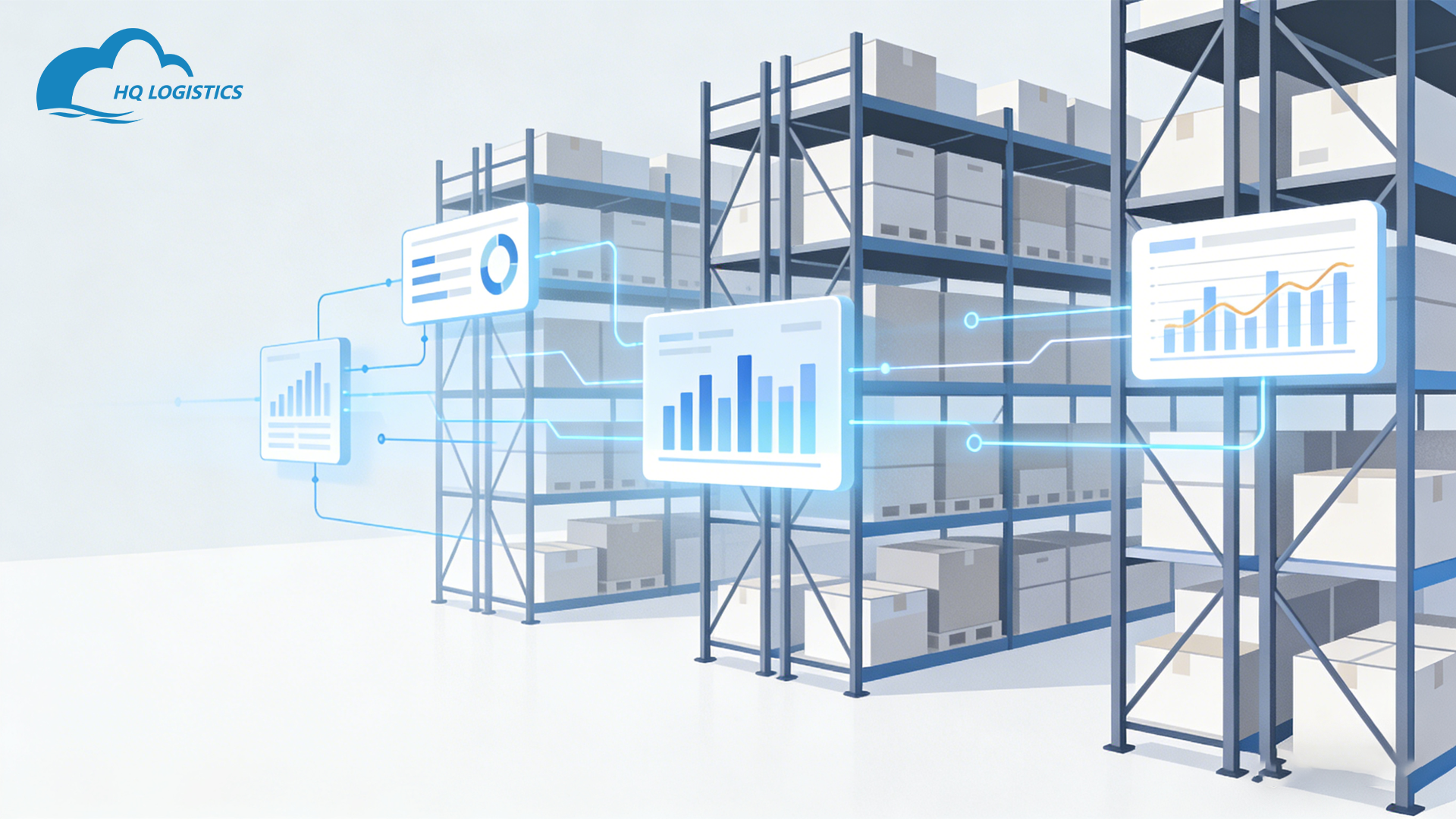
Common Integration Methods Explained
There’s more than one way to integrate.
1. Native Shopify Fulfillment Apps
Many fulfillment centers provide:
-
Shopify apps
-
One-click installation
-
Automatic syncing
Pros:
-
Fast setup
-
Minimal tech knowledge
Cons:
-
Limited customization
2. API-Based Integration
For larger brands.
This uses:
-
Direct API connections
-
Custom workflows
-
Advanced rules
Pros:
-
Full control
-
High scalability
Cons:
-
Requires technical support
3. Middleware Tools
These tools sit in between.
They help manage:
-
Multiple stores
-
Multiple warehouses
-
Complex routing
Useful for multi-channel sellers.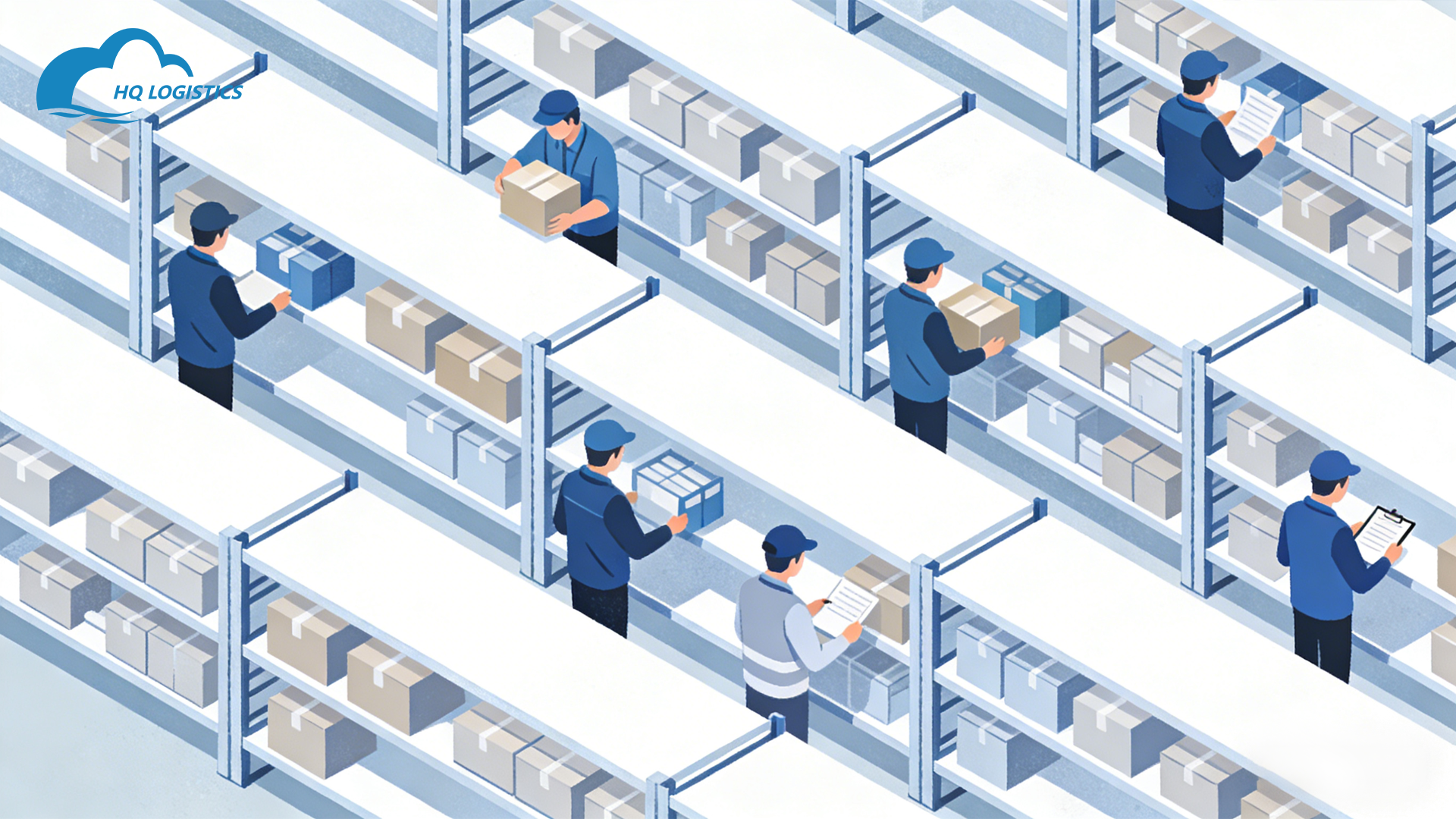
Inventory Sync: The Most Critical Part
If inventory isn’t synced correctly,
nothing else matters.
Proper inventory integration ensures:
-
Stock updates in real time
-
Low-stock alerts
-
No overselling
Make sure:
-
SKUs match exactly
-
Bundles are mapped correctly
-
Returns are reflected in stock
Inventory mistakes cost money quietly.
Shipping Logic You Should Set Up Early
Don’t leave shipping rules vague.
Good integration allows:
-
Region-based shipping methods
-
Shipping speed selection
-
Carrier preference by destination
This avoids:
-
Random transit times
-
Cost surprises
-
Customer frustration
Predictable beats fast every time.
Quality Control and Order Accuracy
Integration isn’t just technical.
Process matters.
Strong fulfillment centers include:
-
Pick-and-pack verification
-
SKU scanning
-
Packaging checks
This reduces:
-
Wrong-item shipments
-
Returns
-
Negative reviews
Automation supports quality.
It doesn’t replace it.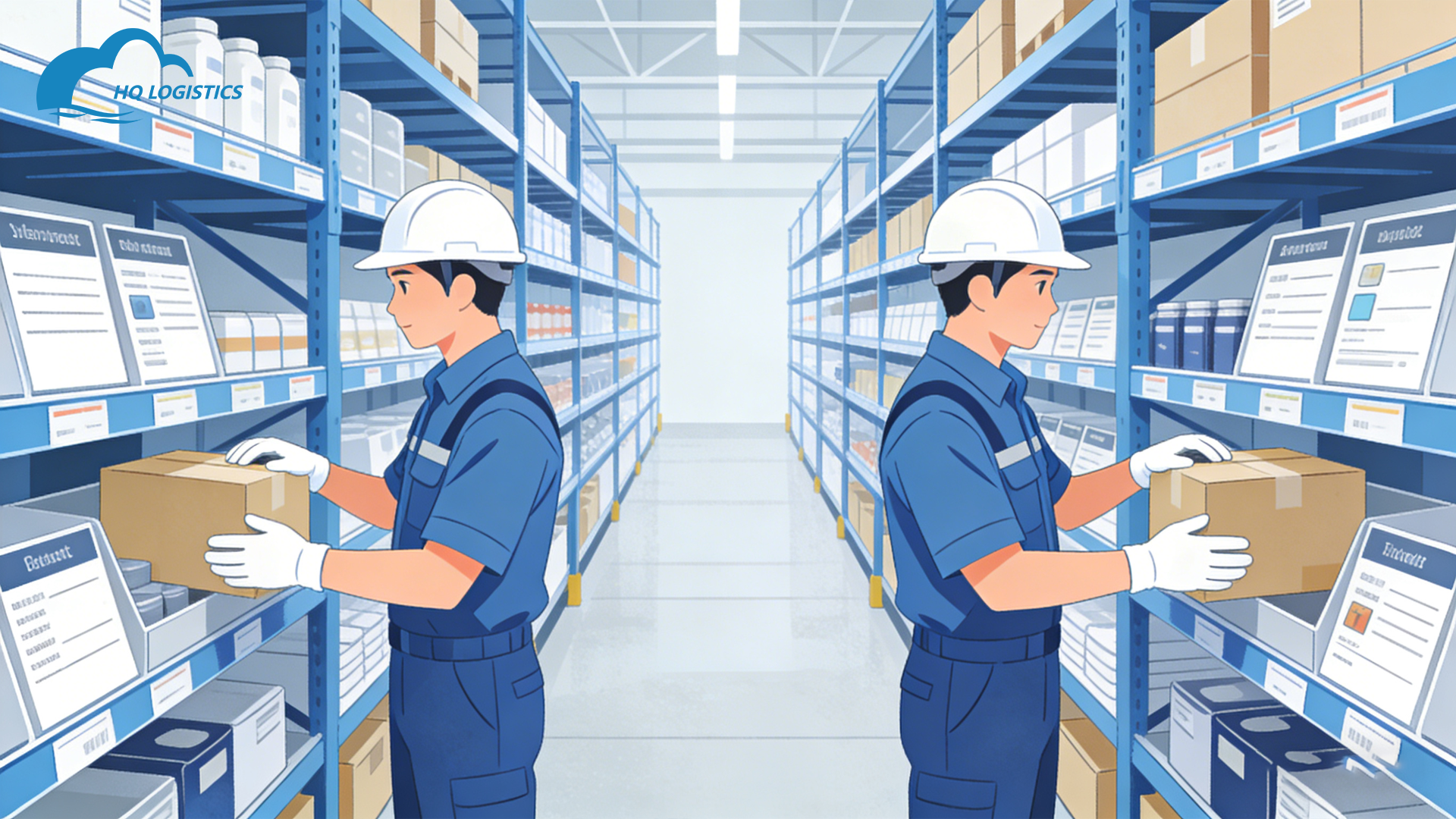
A Short Real Example
One Shopify seller came to us running everything manually.
Daily tasks included:
-
Copying orders
-
Sending spreadsheets
-
Manually updating tracking
After integrating Shopify with their China fulfillment center:
-
Orders synced automatically
-
Inventory became visible
-
Support tickets dropped
They didn’t grow because of ads.
They grew because operations stopped breaking.
Common Mistakes to Avoid
Rushing the Setup
Test everything.
-
Order sync
-
Inventory updates
-
Tracking flow
One mistake at scale multiplies fast.
Ignoring SKU Structure
Clean SKUs matter.
Inconsistent naming causes:
-
Wrong shipments
-
Inventory mismatches
Fix SKUs before integration.
Not Planning for Chinese Holidays
Integration doesn’t prevent delays automatically.
You still need:
-
Inventory buffers
-
Holiday planning
-
Shipping cutoffs
Technology supports planning.
It doesn’t replace it.
How Long Integration Takes
For most stores:
-
App-based integration: 1–3 days
-
API-based integration: 1–2 weeks
The real work is preparation, not installation.
FAQs
“Do I need a developer?”
Not always.
Many integrations are no-code.
“Can I integrate multiple warehouses?”
Yes, with proper routing rules.
“Will customers see where orders ship from?”
Only if you choose to show it.
“Is Shopify integration secure?”
Yes, when using approved apps or APIs.
“What happens if sync fails?”
Good systems log errors and alert you.
Final Thoughts: Integration Is a Foundation
Learning how to integrate Shopify with a China fulfillment center isn’t about tech.
It’s about control.
When systems talk to each other:
-
Errors drop
-
Scaling becomes manageable
-
Customers get a better experience
If you plan to grow,
integration isn’t optional.
It’s the foundation your store runs on.